
Download KingRoot PC – root android, root device, root phone, root app, root tool
Overview
KingRoot PC is a utility tool designed to facilitate the rooting process for Android devices through a personal computer. The application enables users to gain elevated system-level access to their Android smartphones or tablets, unlocking advanced customization and control options. Rooting allows users to modify system files, remove pre-installed applications, install custom ROMs, and optimize device performance—features typically restricted by the manufacturer or operating system.
Target users include tech enthusiasts, developers, and individuals seeking greater control over their Android devices. While the software is marketed as user-friendly, it is important to note that rooting carries inherent risks, including potential voiding of warranties and system instability if not performed correctly. The developer, KingRoot, positions the tool as a reliable solution for those aiming to maximize their device’s capabilities.
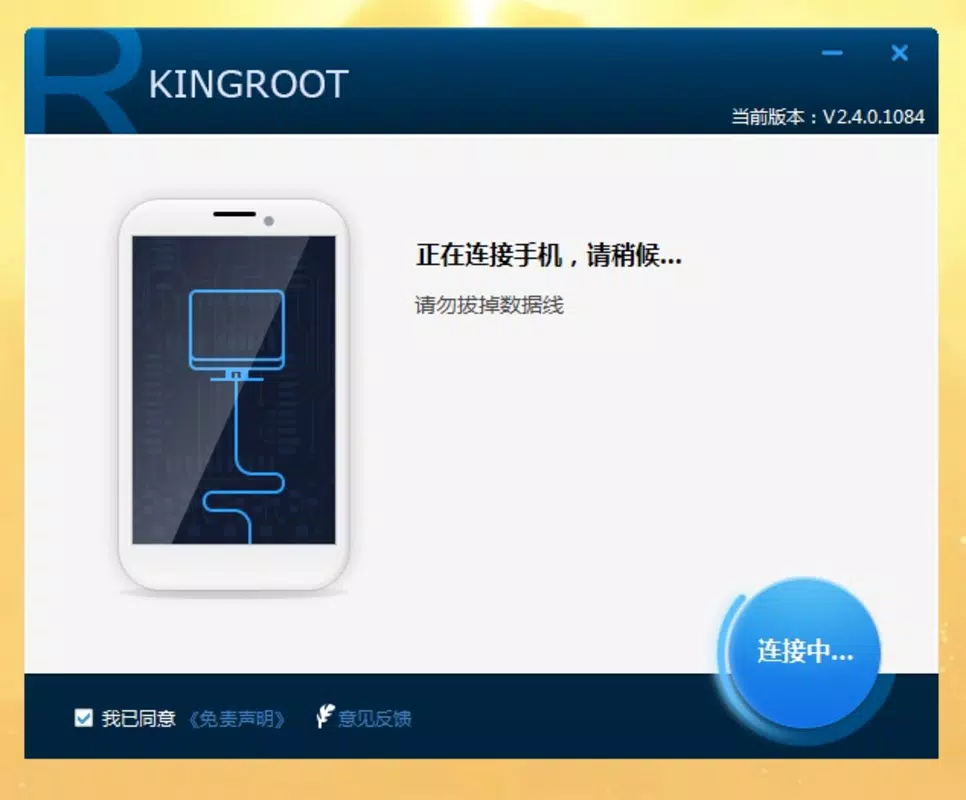
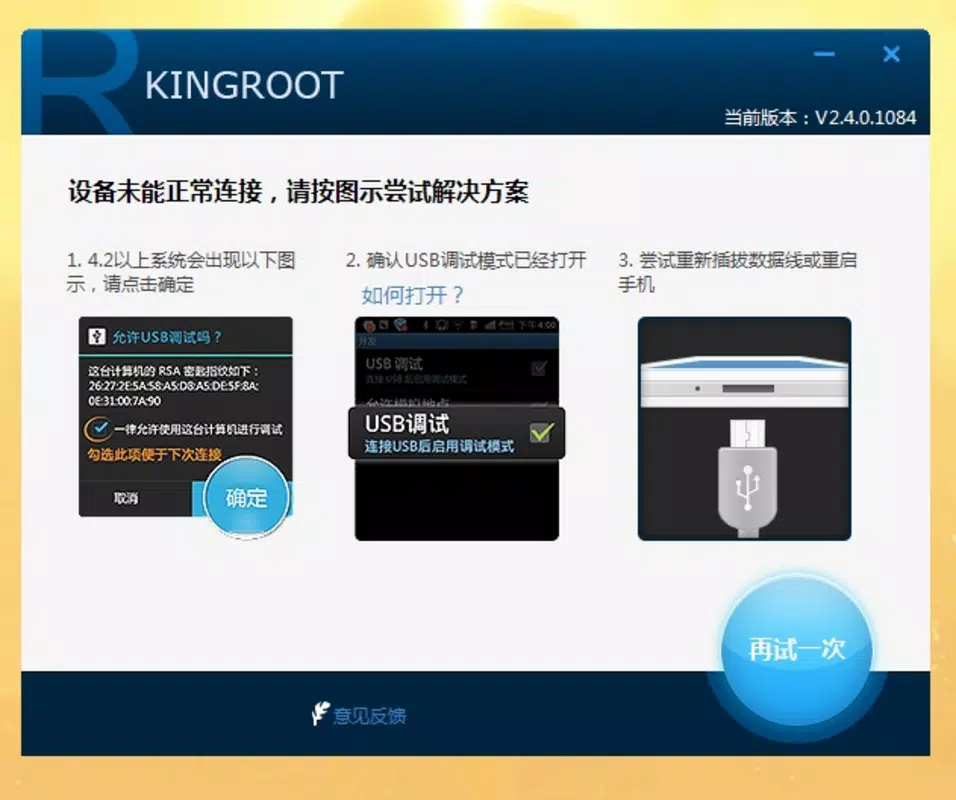
KingRoot PC operates via USB connection, requiring users to enable Developer Options and USB Debugging on their Android device. Once connected, the tool initiates the rooting process with minimal user input, making it accessible even to those with limited technical experience. Although the interface is in Chinese, the visual layout and workflow are intuitive, reducing reliance on language proficiency.
Within the broader mobile ecosystem, tools like KingRoot PC serve a niche but valuable purpose. They empower users to bypass software limitations and tailor their devices to personal preferences. However, compatibility is not universal, and users should verify device support before proceeding.
Key Features & Functionality
- One-Click Rooting via PC – The primary function allows users to root their Android device with a single click after connecting via USB, streamlining the process for non-technical users.
- USB Debugging Integration – The tool relies on the Android Debug Bridge (ADB) system, requiring users to enable Developer Options and USB Debugging, a standard prerequisite for advanced device management.
- System-Level Access – Upon successful rooting, users gain access to core system directories and files, enabling deep-level modifications such as app removal, performance tweaks, and system file editing.
- Compatibility with Supported Devices – The software supports a range of Android models, though not all devices are recognized. Users must confirm compatibility prior to use.
- Custom ROM Installation Support – Rooted devices can install custom ROMs, offering alternative operating systems with enhanced features or updated software versions.
For example, a user with a supported device can connect their phone to a PC, launch KingRoot PC, and initiate rooting in under a minute. After completion, they can use root-enabled apps to remove bloatware or overclock the processor for improved performance. The tool also facilitates backup and restoration of system partitions, providing a safety net during experimentation.
Despite its simplicity, the functionality is powerful. However, the lack of real-time progress tracking or error diagnostics limits transparency during the process. Users are advised to back up data before initiating any root operation, as the procedure may result in data loss or system failure if interrupted.
Interface, UX & Performance
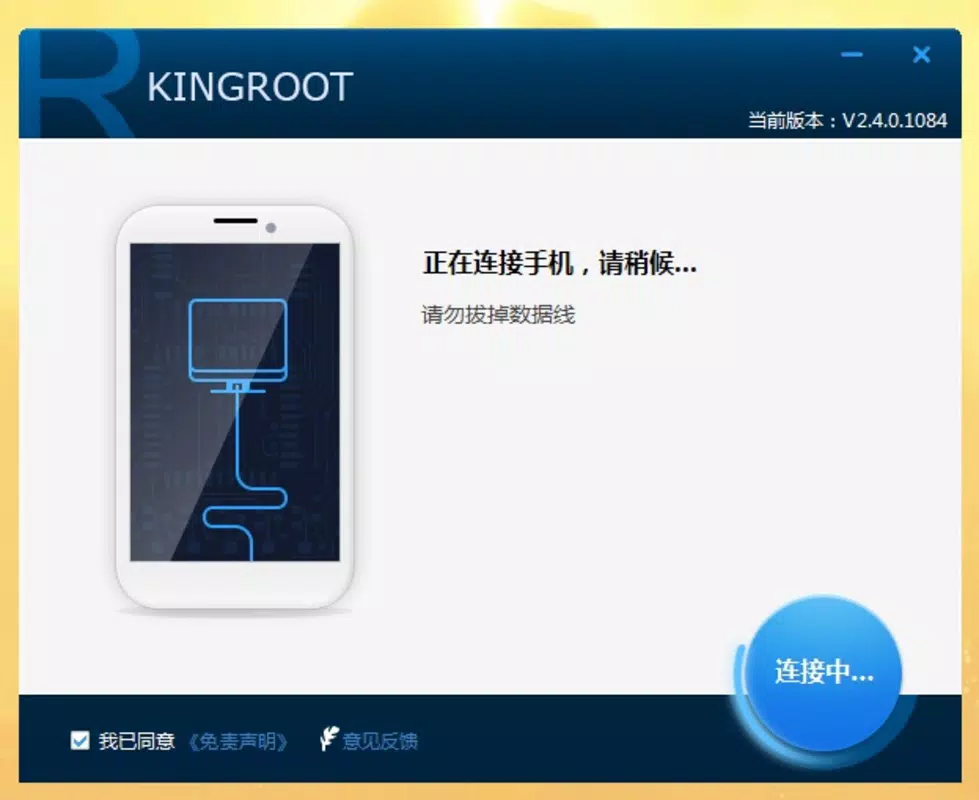
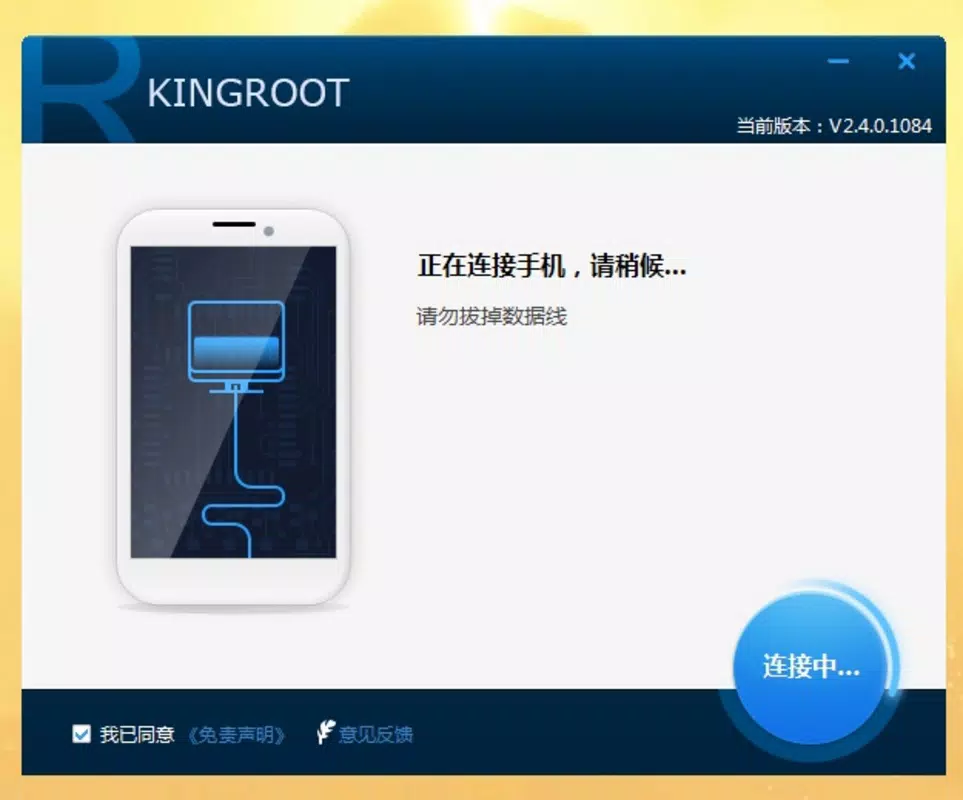
KingRoot PC features a minimalistic, no-frills interface dominated by a large blue button labeled “Root” at the center. The layout is clean and focused, minimizing distractions. While the text is primarily in Chinese, the visual cues—icons, buttons, and progress indicators—are universally recognizable, aiding usability across language barriers.
Navigating the tool requires only two steps: enabling USB Debugging on the device and connecting it to the PC. The application detects the device automatically upon connection and displays a confirmation prompt. The root process begins immediately after the user clicks the main button, with no configuration options or settings to adjust.
Although the developer did not list formal performance metrics, the tool operates efficiently within the 15.5 MB file size. It loads quickly and consumes minimal system resources during execution. The software appears stable during the rooting process, with no reported crashes or freezes in the provided information.
Performance may vary depending on the host PC’s specifications and the Android device’s hardware. On modern systems, the tool completes the rooting sequence in seconds. However, on older or underpowered machines, delays may occur. Responsiveness is consistent during active use, and the application does not exhibit lag or unresponsiveness during critical phases.
Platform Compatibility & Technical Requirements
KingRoot PC is designed for use on personal computers and is compatible with Windows-based operating systems. The application runs on standard desktop environments, though specific OS versions were not listed by the developer.
The software has a file size of 15.5 MB, making it lightweight and easy to download and install. It does not require extensive system resources, allowing it to function on machines with modest specifications.
Although the developer did not specify minimum OS requirements, the tool is expected to support modern Windows versions such as Windows 10 and Windows 11. Compatibility with older systems like Windows 7 or 8 cannot be confirmed without additional details.
Users must ensure their Android device is compatible with the tool. Not all models are supported, and the software may fail to detect certain devices. The lack of a comprehensive device compatibility list means users should consult external sources or test the tool on their specific model before proceeding.
Pros and Cons
Pros
- Simple one-click rooting process with minimal user input
- Lightweight application at only 15.5 MB
- Free to download and use
- Intuitive interface with clear visual cues
- Enables advanced device customization and control
Cons
- Not compatible with all Android devices
- Interface is primarily in Chinese, which may confuse non-Chinese speakers
- No detailed progress feedback during rooting
- Developer did not provide a full list of supported devices
- Rooting may void warranties and carry system risks
FAQ
Is KingRoot PC safe to use?
KingRoot PC is a free tool that operates through USB connection and standard Android debugging protocols. While it is widely used, rooting inherently carries risks such as system instability or warranty voiding. Users should back up data before use.
Can I use KingRoot PC on any Android device?
Not all Android devices are supported. The software only works with specific models. Compatibility is not universal, and users should verify if their device is listed in the supported range.
Do I need to install drivers for my Android device?
Most modern Windows systems automatically detect Android devices when USB Debugging is enabled. However, in some cases, additional drivers may be required. The developer did not specify driver requirements.
Is KingRoot PC available for Mac or Linux?
The developer did not provide information on Mac or Linux compatibility. The tool is confirmed to run on Windows-based PCs only.
How often is KingRoot PC updated?
The version provided is 2.0.0, released on 2024-03-12. The update frequency is not disclosed. Users should check for newer versions manually.
Final Thoughts
KingRoot PC offers a straightforward solution for users seeking to root their Android devices through a PC. Its minimal interface, one-click functionality, and free access make it an appealing choice for beginners and intermediate users alike. While it does not support every device and lacks multilingual support, its core purpose is executed effectively.
For individuals who value customization, performance optimization, and full system access, KingRoot PC delivers tangible benefits. However, it should be used with caution, particularly given the risks associated with rooting. Users must ensure compatibility and prepare for potential consequences.
Download KingRoot PC now to unlock your Android device’s full potential.


